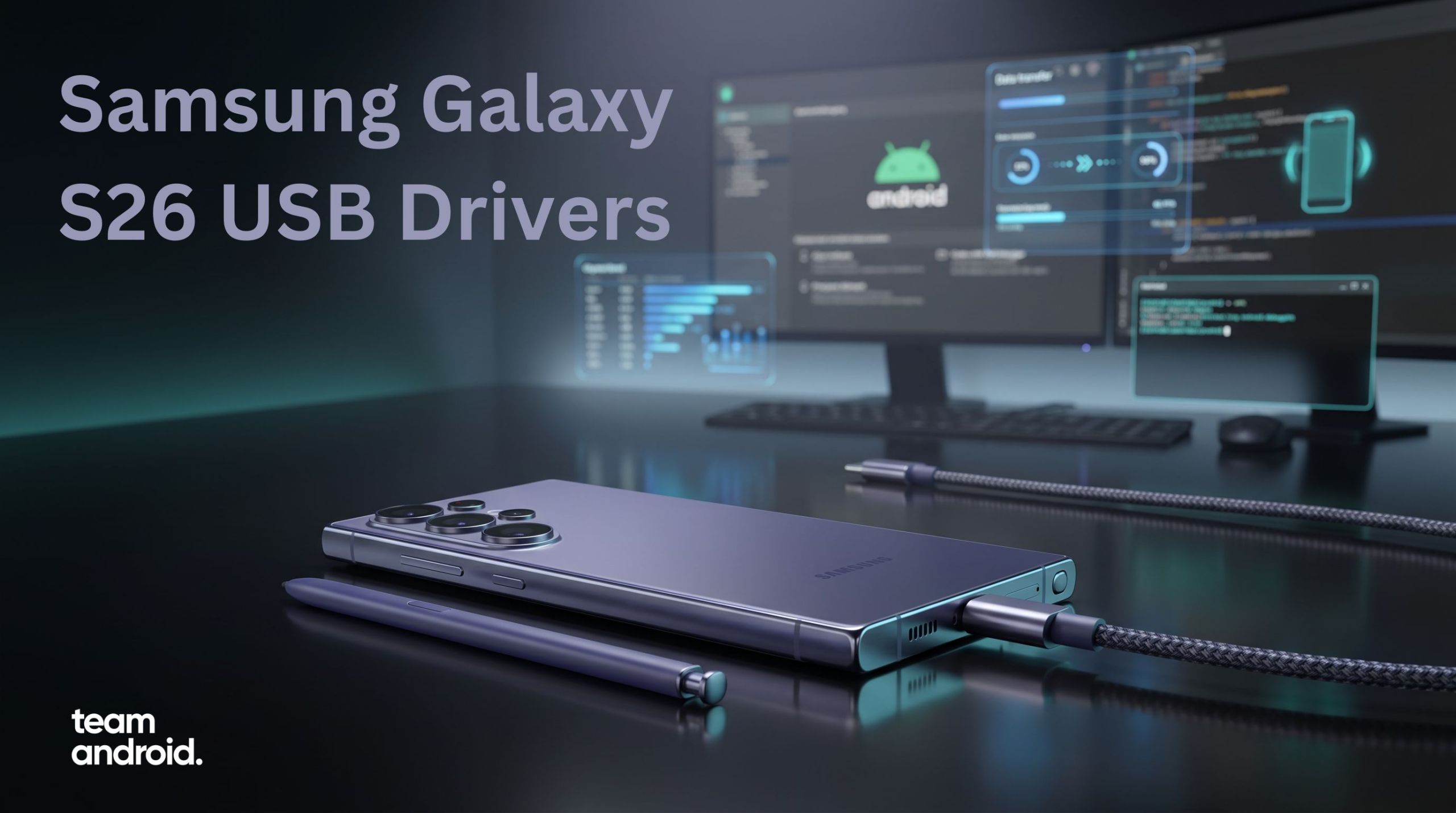
If you have just picked up a Samsung Galaxy S26 and want to connect it to a computer, the setup is still simple, but only if you use the right tool / software for the job. Some readers only need Windows to detect the phone for file transfer functions. Others want Samsung Smart Switch for a full backup or migration from an older Galaxy. Then there are advanced users who need ADB and Fastboot for debugging, logs and CLI access.
That is where most older USB-driver guides online start falling apart. They throw every download into one list, use stale Mac advice and never explain what you actually need. For the Galaxy S26, Galaxy S26+ and Galaxy S26 Ultra, the cleaner approach is to treat Windows USB drivers, Smart Switch and Android platform tools as three separate paths. Once you do that, setup becomes much easier.
The latest Samsung Windows driver package is now Samsung Android USB Driver v1.9.5.0, and it remains the main download for normal PC detection on Windows.
On Mac, the better answer is usually Smart Switch for backup and migration, while developers on Windows, Mac and Linux should use Android SDK Platform Tools for ADB and Fastboot.
If you only want the short version, start with Samsung’s latest Windows driver on PC, use Smart Switch when your real job is backup or phone migration, and keep Platform Tools for ADB and Fastboot work.
What you should download first
Use this table as the quick answer before you do anything else.
| Tool | Best for | Platform | Download |
|---|---|---|---|
| Samsung Android USB Driver v1.9.5.0 | USB detection, MTP file transfer, fixing unknown-device errors | Windows | Download |
| Samsung Smart Switch | Backups, restore, device migration, bundled Samsung connectivity support | Windows | Download |
| Samsung Smart Switch | Backups, restore, device migration | macOS | Download |
| Android SDK Platform Tools | ADB, Fastboot, debugging and command-line access | Windows / Mac / Linux | Download Android Platform Tools |
If you want the broader all-brands reference as well, keep our Android USB Drivers guide bookmarked.
What each tool is actually for
Here is a comprehensive breakdown of when and why do you need each of the tools we mentioned above:
Samsung Android USB Driver
This is the main package for Windows users. Install it if your Galaxy S26 does not show up in File Explorer, if Device Manager is showing an unknown Samsung entry, or if the phone only charges without exposing storage (phone drive) properly.
It is also the first thing to reinstall when Smart Switch cannot detect the device on Windows.
Samsung Smart Switch
Smart Switch is the better choice when your real goal is not just drag-and-drop transfer. Use it for moving data from an older phone to the Galaxy S26, creating a full computer backup, restoring a previous backup, or handling larger migration jobs more cleanly than manual copy-paste. It is also the only official Samsung full-featured software for working with your Galaxy devices – just like Samsung KIES in the older days.
Samsung Smart Switch is also useful because Samsung bundles the connectivity pieces it needs, which makes it a practical fallback when normal USB browsing feels unreliable.
ADB and Fastboot
ADB and Fastboot are for advanced use, not regular media transfer. You need them if you want to run command-line device checks, capture logs, push or pull files from a shell, debug apps, or work with recovery and maintenance workflows. All these are particularly useful for those building custom ROMs or debugging Android apps. For that, use the latest Android SDK Platform Tools (linked above!) rather than searching for a separate Samsung-specific ADB package.
How to install Samsung Galaxy S26 USB drivers on Windows
Samsung still uses one main Windows driver package across its recent Galaxy phones, so you do not need separate installers for the Galaxy S26, Galaxy S26+ and Galaxy S26 Ultra. The same package should handle standard USB connectivity across the lineup.
Step 1: Download the current Samsung driver package
Download from here: Samsung Android USB Driver v1.9.5.0
Step 2: Run the installer
Open the file and complete the setup. Do not worry if you do not see a big desktop application afterward. This package installs Samsung’s USB and MTP support in the background rather than giving you a normal program window.
Step 3: Restart the PC if needed
In many cases, the phone will be recognized immediately after setup. If the Galaxy S26 still does not appear, restart Windows once before trying anything else.
Step 4: Use a proper USB-C data cable
This still causes more problems than the driver itself. A charge-only cable can make the phone look alive while blocking file transfer completely. If detection fails, test with the original Samsung cable, another known-good USB-C data cable (like from brands: Anker, Baseus, etc.), or a direct motherboard USB port instead of a weak hub.
Step 5: Change the USB mode on the phone
After connecting the Galaxy S26, unlock it and open the USB notification. Switch the connection to File transfer / Android Auto. If the phone stays on charging mode, Windows may never expose the storage correctly.
Step 6: Confirm detection in Windows
This PCfor normal file transfer accessDevice Managerif the phone still does not appear
If the driver is installed properly, the device should stop showing as an unknown USB entry.
How to use Samsung Galaxy S26 with Mac
This is where older Galaxy driver posts usually give the wrong answer. Samsung’s dedicated USB driver package is for Windows. On macOS, most readers do not need a separate Samsung USB driver installer in the same way at all.
- use Smart Switch for backup, restore and migration
- use Android SDK Platform Tools if you need ADB
- use a direct file-transfer workflow only when you specifically need manual browsing
Best Mac option for backups and migration
If you are moving from an older phone, want to save a local backup, or just want a smoother setup flow, use Samsung Smart Switch for Mac. It is the cleaner recommendation for most Galaxy S26 owners because it handles the type of tasks Mac users usually care about first.
Mac users who need ADB access
If you are developing apps, running shell commands or debugging a connection, install the latest Android SDK Platform Tools. That is the correct path for ADB on macOS.
Samsung Galaxy S26 drivers for ADB and Fastboot
If you want more than simple file transfer, the Galaxy S26 lineup works with standard Android platform tools just like any other modern Android phone.
- checking whether the phone is detected from the command line
- debugging app installs and log output
- pushing or pulling files
- using maintenance workflows that need shell access
As much as you can transfer files or do any of the advance functions, this mode is intended for developers only.
Download ADB and Fastboot
Use our current ADB and Fastboot Platform Tools guide for the latest package and setup path.
Enable USB Debugging first
Before ADB can see the Samsung Galaxy S26, enable Developer Options and turn on USB Debugging. Follow this guide first: How to Enable Developer Options in Android.
- Connect the Galaxy S26 to the computer.
- Accept the RSA authorization prompt on the phone.
- Run
adb devicesfrom your platform tools folder. - Confirm the phone appears as an authorized device.
How to transfer files between Galaxy S26 and computer
If your goal is only moving photos, videos, music or documents, the setup is easier than most people expect once the USB mode is correct.
On Windows
- Install the Samsung USB driver.
- Connect the Galaxy S26 with a data-capable USB-C cable.
- Unlock the phone.
- Change the USB mode to File transfer / Android Auto.
- Open
This PCand browse the device storage.
On Mac
For most readers, Smart Switch is the better starting point when the task involves backup, restore, switching phones or moving a larger personal-data library.
How to fix Samsung Galaxy S26 not recognized by PC
This is the section that matters most once the easy install path fails. If you encounter more problems, let us know so we can update this troubleshooting section.
1. Make sure the cable supports data
If the phone only charges and never appears in Windows, the cable is the first thing to question. Try the Samsung cable first, then test with another high-quality USB-C data cable.
2. Switch the USB mode manually
Open the notification shade and confirm the phone is not stuck on charging-only mode. Use File transfer / Android Auto.
3. Reinstall the Samsung USB driver
If Windows already attached the wrong profile to the device, reinstalling the official Samsung package usually fixes it faster than endless unplug-and-replug attempts.
4. Check Device Manager
- unknown USB devices
- Samsung mobile device entries
- MTP devices with warning icons
If you find an error state, disconnect the phone, reinstall the driver and reconnect.
5. Restart both devices
- restart the Galaxy S26
- restart the PC
- reconnect after both are fully back up
6. Test Smart Switch
When simple file browsing keeps failing, Smart Switch can still detect the phone and complete backup or migration jobs more reliably than manual transfer.
- Turn USB Debugging off and back on.
- Reconnect the phone.
- Accept the authorization prompt again.
- Restart the ADB server if needed.
Do you need separate drivers for Galaxy S26, S26+ and S26 Ultra?
No. Samsung’s current Windows USB package covers normal connectivity for the entire Galaxy S26 family, so you do not need three different driver downloads for the Galaxy S26, Galaxy S26+ and Galaxy S26 Ultra.
Frequently asked questions
We have already answered most of the common FAQs above, but in case you need a shorter summary, continue reading below:
Is there an official Samsung Galaxy S26 USB driver for Windows?
Yes. Samsung’s current Windows package is the right main download for normal PC connectivity, and the latest listing now points to Samsung Android USB Driver v1.9.5.0.
Is there a separate Samsung Galaxy S26 USB driver for Mac?
Not in the same way as Windows. On Mac, the better recommendations are Smart Switch for migration and backup, and Android SDK Platform Tools for ADB workflows.
Does Smart Switch include USB support too?
Smart Switch is mainly for migration, backup and restore, but it also helps because Samsung bundles the connectivity pieces it needs for proper device communication.
Do I need ADB and Fastboot for normal file transfer?
No. ADB and Fastboot are only for advanced work. For regular media transfer on Windows, the Samsung USB driver and the correct USB mode are enough.
Why does my Galaxy S26 only charge and not transfer files?
- a charge-only USB cable
- the phone staying on charging mode
- a missing Samsung USB driver on Windows
- a stale or broken device entry inside Device Manager
Conclusion
That is everything you need to get the Samsung Galaxy S26 working with a computer, whether you only want file transfer, need a full Smart Switch backup, or want ADB access for development work.
If your phone still is not being detected, leave a comment and mention your operating system, the tool you are using and whether the phone is charging-only or appearing at all. That usually narrows the problem down quickly.