Android 15 custom ROMs are now available to download for a much wider set of phones than most people expect. If your device stopped getting major Android upgrades, or you simply want cleaner software than what your manufacturer ships, there are already plenty of Android 15 ROM builds worth looking at across Samsung, Google Pixel, OnePlus, Xiaomi, Nothing, Motorola, Sony, and ASUS devices.
For this guide, we rebuilt the list around current active XDA threads and official project pages that are still useful for real flashing work. The goal here is not to throw random ROM names at you. It is to help you quickly find a reliable Android 15 custom ROM starting point for your exact phone, understand which projects look safer, and know what to double-check before you unlock anything.
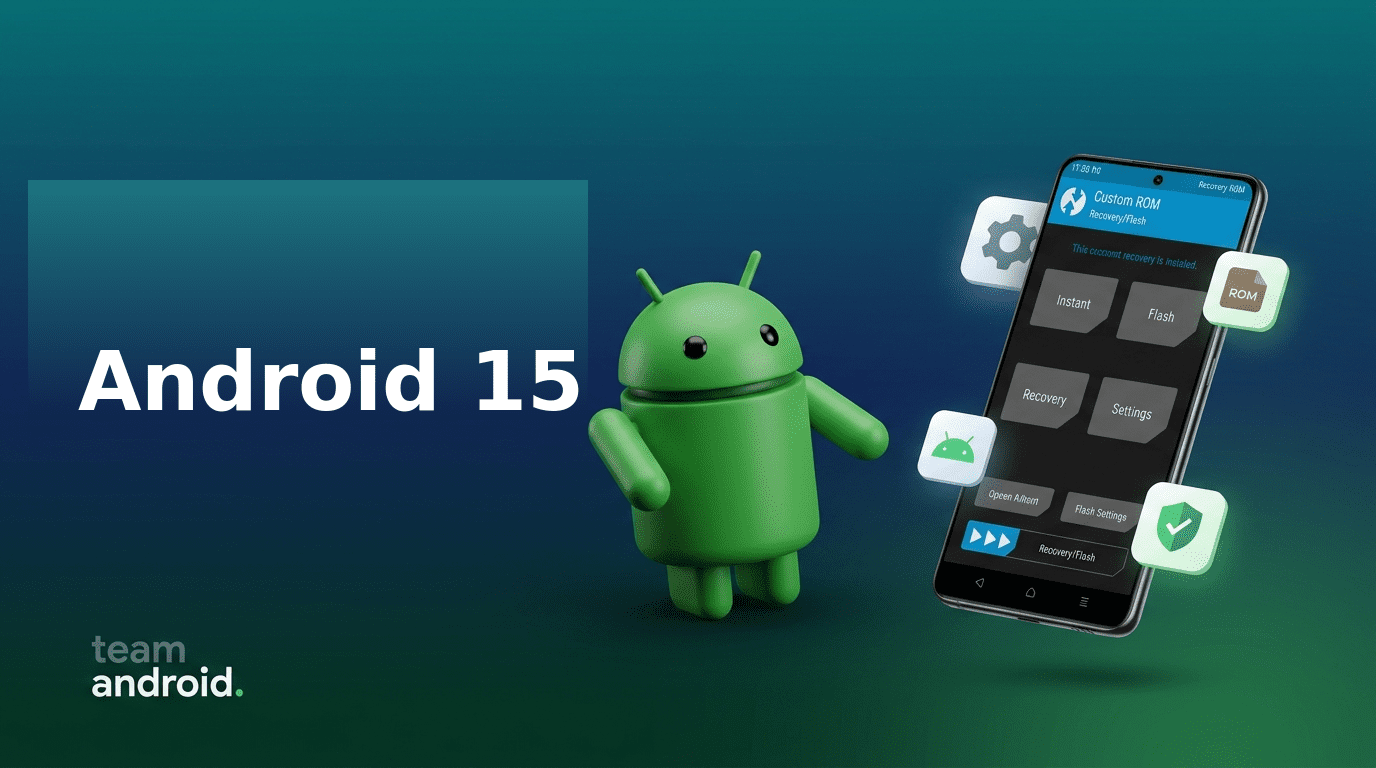
Why install Android 15 custom ROMs instead of staying on stock firmware?
Android 15 is one of those releases that makes custom ROMs easier to justify on both old and newer hardware. It is not only about getting a new version number. On the right build, you usually end up with a lighter UI with so much less bloatware, fewer background services, cleaner privacy controls, and longer usable life for a phone that would otherwise be stuck on an older OEM software update.
1. You can keep older phones relevant for another year or two
This is still the biggest reason. A lot of phones with perfectly good screens, cameras, and batteries are no longer getting fast vendor updates. These new (and updated) Android 15 custom ROMs let you keep newer APIs, better app compatibility, and an actively maintained software base even after the official support window is over.
2. Android 15 makes privacy and work-profile style separation more useful
Features like Private Space, tighter app behavior, and better permission handling are much easier to appreciate when they are not buried under a heavy OEM skin.
3. Many ROMs now have better polish than older “enthusiast-only” builds
Modern projects such as LineageOS 22/22.1/22.2, crDroid 11, Evolution X 10, RisingOS Revived 7, and DerpFest 15 are no longer just rough test builds for hobbyists. On supported devices, a lot of them are stable enough for daily-driver use if you follow the required firmware and recovery instructions carefully.
4. You get more choice over the kind of experience you want
Not every Android 15 ROM targets the same user. Some are deliberately minimal, some are packed with tweaks, and some are vendor-style ports that keep a One UI, OxygenOS, or HyperOS feel while bringing a newer base.
What Android 15 features usually feel better on custom ROMs?
The exact feature set depends on the project, but these are the gains most people notice first:
- A cleaner Android 15 interface without carrier or OEM bloat
- Better background behavior and smoother general responsiveness on older phones
- Easier long-term maintenance when a project still has active thread updates and cleaner install docs
If you are new to this, keep these Team Android guides open before you flash anything: ADB Commands List, Fastboot Commands List, How to Enter Fastboot Mode, and Download ADB / Fastboot Platform Tools.
Before you flash any Android 15 ROM
Do not treat this part as optional. It is the difference between a clean upgrade and a soft-brick weekend. So please read the following requirements very carefully:
- Confirm your exact device model, region variant, and codename first
- Read the install section for the ROM, not just the download link
- Check if the build needs a specific firmware base, modem, or vendor image
- Back up internal storage before bootloader unlocking or recovery flashing
- Read recent thread replies for bug reports before you decide a ROM is “safe”
- Keep stock firmware or a rollback package ready if the phone is critical
Official project pages worth keeping nearby while you compare builds:
Android 15 custom ROMs for Samsung phones
Samsung support on Android 15 is a mix of clean AOSP-style projects and One UI 7 based ports. If you want a more stock-like Samsung feel, the One UI ports are worth a look.
If you want leaner software and simpler long-term maintenance, LineageOS, crDroid, PixelOS, and RisingOS are usually the better starting points.
- Galaxy S23 / S23+ / S23 Ultra – PixelOS 15 QPR2
- Galaxy A52 4G – Official LineageOS 22
- Galaxy A52 4G – PixelOS 15 stable
- Galaxy A52s 5G – Official LineageOS 22
- Galaxy A52s 5G – crDroid 11.7 official
- Galaxy A71 4G – DerpFest 15 official
- Galaxy A71 4G – MitaUX One UI 7 port
- Galaxy Tab S7 / Tab S7+ – RisingOS Revived 7.0
- Galaxy A06 – Unofficial LineageOS 22.1
If your goal is reliability, start with LineageOS 22 or crDroid 11 on the A52/A52s family.
If you specifically want newer Samsung UI features, the One UI 7 ports for the A71 and similar devices are more attractive, but they also demand more caution because vendor-style ports usually have stricter firmware expectations.
Android 15 custom ROMs for Google Pixel phones
Pixel devices already have strong first-party software, but they are still one of the best custom ROM platforms because kernel sources are available early, maintainers are active, and AOSP-based projects tend to stabilize quickly on them.
If you want to compare different Android 15 projects without fighting difficult bootloader rules, Google Pixel is still the easiest brand to experiment with.
- Pixel 9 Pro / 9 Pro XL – crDroid v11 official
- Pixel Fold – RisingOS Revived 7.1 official
- Pixel Tablet – RisingOS Revived 6.1 community beta
- Pixel 7a – RisingOS Revived 7.1 official
- Pixel 6 – DerpFest 15.2 official
- Pixel 6 Pro – DerpFest 15.2 official
- Pixel 5 – Evolution X 10.3 official
- Pixel 4a 5G – Evolution X 10.3 official
- Pixel 4a – DerpFest 15.2 unofficial
- Pixel 3 – Official LineageOS 22.2
- Pixel 3 XL – Official LineageOS 22.2
- Pixel 3a – Official LineageOS 22.2
- Pixel 3a XL – Official LineageOS 22.2
If you want a clean Android 15 daily driver with minimal guesswork, the safest shortlist here is crDroid on newer Pixels, DerpFest 15.2 on the Pixel 6 family, and Evolution X on the Pixel 5 / 4a 5G.
Older Pixel devices still have surprising life left in them through official LineageOS 22.2 support.
Android 15 custom ROMs for OnePlus phones
OnePlus devices remain some of the easiest phones to recommend for custom ROM users. Fastboot tools are familiar, developer communities are still active, and there is a good split between clean AOSP projects and OEM-style Android 15 ports.
Just make sure you read the firmware requirements carefully on newer Snapdragon models as that’s where things may get tricky.
- OnePlus 11 – LineageOS 22 (discontinued but still useful thread)
- OnePlus 10T – Unofficial LineageOS 22.1
- OnePlus Nord – RisingOS Revived stable
- OnePlus Nord – PixelOS 15 unofficial
- OnePlus 9 Pro – OxygenOS 15 port
- OnePlus 9 Pro – Project Infinity X
- OnePlus 8T – OxygenOS 15 port
- OnePlus 8 Pro – OxygenOS 15 port
- OnePlus 8 Pro – crDroid 11.2 official
- OnePlus 8 – crDroid 11.2 official
- OnePlus 6T – Official LineageOS 22.2
- OnePlus 6 – Official LineageOS 22.2
- OnePlus 5T – Official LineageOS 22.2
- OnePlus 5 – Official LineageOS 22.2
For a clean daily-driver experience, crDroid 11 and LineageOS 22.2 are the easiest recommendations.
If you want to preserve more of the stock OnePlus feel, the OxygenOS 15 ports on the 8T, 8 Pro, and 9 Pro are interesting (and much stable), but they need more attention to firmware requirements and installation instructions.
Android 15 custom ROMs for Xiaomi, Redmi, and POCO phones
This is still the busiest part of the custom ROM world. Xiaomi, Redmi, and POCO devices usually get more Android 15 choices than almost any other brand, especially if the device had a large user base or a Snapdragon chipset that developers kept alive for multiple Android generations.
- POCO X3 Pro – Unofficial LineageOS 22.2
- POCO X3 Pro – Evolution X official
- POCO X3 Pro – ProjectFlare official
- POCO X3 Pro – DerpFest 15 community
- POCO F3 / Redmi K40 / Mi 11X – HyperOS 2.0 Android 15 port
- Redmi Note 10 – CrDroid+ 11.6 unofficial
- Redmi Note 8 / 8T – DerpFest 15 community
- Xiaomi Pad 6 – PixelAge 2.5
- Xiaomi Pad 6 – HyperOS 2.0 port
- Xiaomi Pad 6 – LMODroid
- Mi Pad 4 / Mi Pad 4 Plus – crDroid 11.x official
- POCO F1 – Official LineageOS 22.2
- Mi 11i / Redmi K40 Pro / Mi 11X Pro – Official LineageOS 22.2
- 11 Lite 5G NE / Mi 11 LE – Official LineageOS 22.2
- Redmi Note 9S / Redmi Note 9 Pro / Redmi Note 9 Pro Max / Note 10 Lite – Official LineageOS 22.2
- POCO X3 NFC – Official LineageOS 22.2
If you like choice, this is the easiest brand family to recommend when it comes to Android devices. LineageOS 22.2 is a strong baseline where it exists, while Evolution X, crDroid, and DerpFest usually make more sense if you want more tuning options.
For tablets like the Pad 6, it is worth comparing at least two ROMs because large-screen polish can vary more than on phones.
Android 15 custom ROMs for Nothing, Motorola, Sony, and ASUS phones
These brands do not have the same sheer volume of Android 15 ROMs as Xiaomi or OnePlus, but there are still good options if you own the right device. In several cases, official Lineage support is the cleanest way in.
Nothing
- Nothing Phone (2) – LineageOS 22 weeklies official
- Nothing Phone (2) – PixelOS 15 unofficial
- Nothing Phone (2) – Evolution X 10.7 official
- CMF Phone 1 – PixelOS 15 stable
- CMF Phone 1 – iodéOS Android 15
Motorola
- ThinkPhone by Motorola – Official LineageOS 22.1
- Moto X4 – Official LineageOS 22
- Moto G9 Power – Unofficial LineageOS 22.1
- Moto G200 / Edge S30 – LineageOS 22 discontinued
- Edge 30 Fusion – LineageOS 22 discontinued
Sony and ASUS
- Xperia XZ Premium – Unofficial LineageOS 22.1
- Xperia XZ2 – Official LineageOS 22.2
- Xperia XZ3 – Official LineageOS 22.2
- Xperia XZ2 Premium – Official LineageOS 22.2
- Xperia XZ2 Compact – Official LineageOS 22.2
- ASUS Zenfone 5Z – Official LineageOS 22.2
Which Android 15 ROM project should you choose first?
If you are not sure where to begin, use this shortlist logic instead of choosing based on screenshots, XDA Forums threads and ‘vibes‘ alone.
- LineageOS 22 / 22.1 / 22.2 ROMs: best if you want the safest, cleanest starting point with the least unnecessary customization
- crDroid 11 ROMs: best if you want extra controls but still care about daily-driver stability
- Evolution X 10 ROMs: a strong middle ground for users who want a more polished feature set without going too far into experimental territory
- DerpFest 15 and RisingOS Revived 7 ROMs: good if you like feature-rich builds and active enthusiast communities
- One UI 7 / OxygenOS 15 / HyperOS 2 ports: best for users who want to keep a familiar vendor look while moving to a newer Android base
The practical way to choose is to shortlist two builds for your exact model, compare the last few pages of each thread, and then install the ROM with the clearer firmware instructions and fewer unresolved camera, modem, fingerprint, or encryption complaints and bugs.
Final tips for a safer Android 15 flashing workflow
- Never flash across similar-looking variants unless the maintainer explicitly says it is supported
- Match the ROM, firmware, recovery, and GApps package to the exact instructions in the thread
- Read the thread changelog and recent user feedback before every major update, not just on first install
- If your phone handles banking, work apps, or DRM-sensitive streaming, plan your SafetyNet / Play Integrity approach before switching
- Keep a rollback path ready, especially on Samsung, Xiaomi, and newer OnePlus phones where firmware mismatches can waste a lot of time
We will keep expanding this Android 15 custom ROMs list as more stable projects land on additional devices. Interested in older custom ROMs? Check out Android 9 ROMs, Android 13 ROMs and Android 14 ROMs.
If you want your phone included in the next refresh, leave the exact model number and codename in the comments so we can verify the right thread instead of guessing.