Here is a comprehensive list of all the Android 13 custom ROMs available for Android phones. Android 13 is still one of the best Android versions to run daily if you want a stable base, modern privacy controls, and broad app compatibility without jumping onto newer firmware (Android versions) that may feel heavier on older hardware. For many phones, especially older flagships, official updates have ended or moved slowly by region, while custom ROM maintainers have kept builds alive with better optimization, no bloatware and cleaner software.
In this download guide, we did a deep pass across active maintainer threads and official project pages to build a practical Android 13 custom ROMs list for popular Samsung, Google Pixel, OnePlus, Xiaomi/Redmi/POCO, Motorola, and ASUS phones. You will also find a clear breakdown of why users still switch to Android 13 ROMs and what features usually improve compared to stock firmware.
Why Install Android 13 Custom ROMs Instead of Stock Firmware?
If your phone already works, this is the main question that matters. In real-world usage, people move from older Android versions to Android 13 ROMs for five practical reasons:
1) Longer software life for unsupported phones
Many popular devices stop receiving meaningful OEM updates after 2-4 years. A good Android 13 ROM can keep security patches and app compatibility going for much longer, especially on older Snapdragon-powered and MediaTek-powered flagships.
2) Better performance consistency
Custom ROMs are often lighter than heavily customized OEM skins. You usually get less background bloat, smoother animations, and better memory behavior on phones that have started to feel slow. Most ROM developers patch custom kernels which allow a ton of optimizations which are not possible from within the software.
3) More battery control and less background noise
Most ROMs expose tighter control over background apps, wakeups, sync behavior, and thermal tuning. That can reduce idle drain and improve day-to-day battery life consistency.
4) Faster updates and direct maintainer visibility
Instead of waiting for region/carrier rollout windows, you can track updates directly from ROM maintainers with latest Android releases. You also get transparent changelogs and known-issues reporting in project channels.
5) Cleaner Android + deeper customization
Android 13 ROM projects usually add UI tuning, lockscreen options, status-bar controls, theming, privacy toggles, and advanced button/gesture controls that stock firmware often hides.
Typical Features You Usually Gain on Android 13 ROMs
Feature sets vary by project, but these are the upgrades users most commonly get:
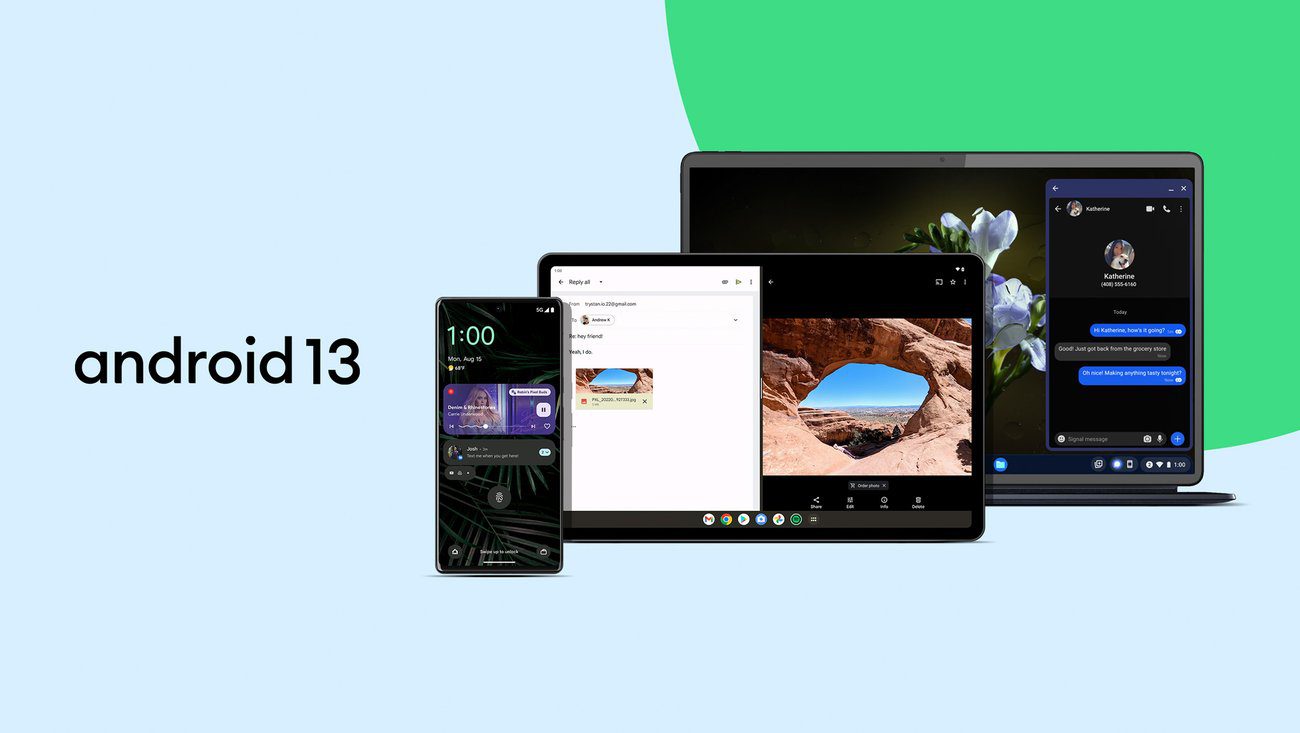
- Per-app language controls (a core Android 13 feature, often exposed better in custom settings)
- Material You tuning beyond stock (extra accent packs, themed icons, lockscreen visual options)
- Better privacy controls around notifications and runtime permissions for newly installed apps
- Clipboard privacy behavior improvements (including auto-clear options on some ROMs)
- Quick Settings customization depth (tile count, labels, brightness slider position, compact layouts)
- Lockscreen customization (clock styles, shortcut remaps, charging and weather info widgets)
- Advanced status-bar controls (network traffic monitor, battery icon variants, VoLTE/VoWiFi indicators)
- More granular battery and thermal behavior tuning for long-term daily use
- Extended screenshot and screen-record controls (bitrate, frame rate, internal audio options)
- Faster security patch flow on actively maintained builds compared to delayed OEM channels
- Optional GApps, vanilla, or microG-oriented build paths depending on project support
If you are new to this workflow, keep these TeamAndroid guides ready:
Related: Have a newer phone? Check out our list of Android 14 Custom ROMs for popular phones.
Before You Flash Any Android 13 ROM
- Confirm your exact phone model and codename before downloading files.
- Unlocking bootloader usually wipes internal storage; take a full backup first.
- Read known issues in the latest thread replies before flashing.
- Keep platform tools ready so you can recover quickly if needed.
- Always keep a copy of stock firmware for rollback safety.
Official project references for compatibility checks:
Android 13 Custom ROMs for Samsung Phones
- LineageOS 20 for Galaxy S10 (beyond1lte): Download ROM
- LineageOS 20 for Galaxy S10+ (beyond2lte): Download ROM
- LineageOS 20 for Galaxy S10 5G (beyondx): Download ROM
- Project Elixir 3.13 for Galaxy A52s 5G (a52sxq): Download ROM
- Pixel Experience 13 Plus for Galaxy A52s 5G (a52sxq): Download ROM
- LineageOS 20 for Galaxy A32 4G: Download ROM
- LineageOS 20 (Official) for Galaxy A52 4G / A72: Download ROM
- LineageOS 20 for Galaxy Note 10 5G: Download ROM
- LineageOS-UL 20 for Galaxy Note 10.1 (2014): Download ROM
- LineageOS 20 for Galaxy Note 3: Download ROM
- LineageOS 20 for Galaxy S20 FE 4G/5G (Snapdragon): Download ROM
- LineageOS 20 for Galaxy S6 / S6 Edge: Download ROM
- LineageOS 20 for Galaxy S6 Edge+: Download ROM
- LineageOS 20 for Galaxy S8 / S8+ / Note 8: Download ROM
- LineageOS 20 (Official) for Galaxy S9 / S9+ (Exynos): Download ROM
Android 13 Custom ROMs for Google Pixel Phones
- LineageOS 20 for Pixel 5 (redfin): Download ROM
- LineageOS 20 for Pixel 7 Pro (cheetah): Download ROM
- LineageOS 20 for Pixel (2016): Download ROM
- crDroid 9.9 for Pixel 2: Download ROM
- Evolution X 7.9.9 for Pixel 2: Download ROM
- LineageOS 20 for Pixel 2: Download ROM
- Pixel Experience for Pixel 2: Download ROM
- LineageOS 20 for Pixel 4a 5G: Download ROM
- LineageOS 20 for Pixel 6 Pro/6/6a: Download ROM
- PixelOS for Pixel 7: Download ROM
- LineageOS 20 for Pixel 7 Pro/7: Download ROM
Android 13 Custom ROMs for Xiaomi, Redmi and POCO Phones
- LineageOS 20 for Redmi K20 Pro / Mi 9T Pro (raphael): Download ROM
- LineageOS 20 for Redmi Note 10 Pro (sweet): Download ROM
- PixelOS 13 for POCO F3 / Mi 11X / Redmi K40 (alioth): Download ROM
- PixelOS 13 for Redmi K50 / POCO F4 GT (ingres): Download ROM
- PixelOS 13 (Unofficial) for Redmi K40 Pro / Mi 11i / POCO F3 Pro (haydn/haydnin): Download ROM
- PixelOS 13 (Unofficial) for Redmi Note 11 / NFC (spes/spesn): Download ROM
- LineageOS 20 (Unofficial) for Redmi Note 11 Pro 5G (veux): Download ROM
Android 13 Custom ROMs for OnePlus Phones
- LineageOS 20 for OnePlus 6T: Download ROM
- crDroid for OnePlus 7 Pro: Download ROM
- LineageOS 20 for OnePlus 7 Pro: Download ROM
- HyperOS for OnePlus 7T: Download ROM
- LineageOS 20 for OnePlus 7T: Download ROM
- DerpFest for OnePlus 8: Download ROM
- PixelExperience for OnePlus 8: Download ROM
- LineageOS 20 (Official, Closed Thread) for OnePlus 8 (instantnoodle): Download ROM
- LineageOS 20 for OnePlus 8 Pro: Download ROM
- LineageOS 20 (Official) for OnePlus 9: Download ROM
- BlissRoms for OnePlus Nord: Download ROM
- PixelExperience for OnePlus Nord: Download ROM
- LineageOS 20 (Official) for OnePlus Nord (avicii): Download ROM
Which ROM Project Should You Choose First?
If you are unsure where to start, use this quick map:
- LineageOS 20: Best for stability-focused daily drivers.
- crDroid 9: Best if you want more tuning controls with stable behavior.
- PixelOS 13: Best for near-Pixel UI with useful extra options.
- Evolution X / Project Elixir: Best for heavier feature sets if your exact device build is actively maintained.
A practical approach is to shortlist 2 options for your device, compare update frequency in their threads, and only flash the one with active maintainer responses in the latest pages.
Final Tips for a Safer Flashing Workflow
- Read installation notes fully before touching recovery or fastboot.
- Keep boot, vendor, and firmware requirements in sync with the ROM thread.
- Do not force-flash builds from a different codename even if model names look similar.
- After boot, verify SafetyNet or integrity status only if your app stack actually requires it.
We will keep this list refreshed as maintainers publish newer Android 13 builds or move devices across project branches.
Interested in older custom ROMs? Check out Android 9 ROMs, Android 14 ROMs and Android 15 ROMs.